Infloww
5 reasons to use Infloww for messaging subscribers
Messaging subscribers is an important part of making money on OnlyFans. Here’s how Infloww makes it easier.
Grace
While it’s important to build relationships with OnlyFans subscribers, let’s be real–messaging is time-consuming.
Plus, if you have a big creator which requires multiple employees working the same inbox, things can get chaotic.
That’s where an OnlyFans tool like Infloww CRM, built for creator businesses on OnlyFans, Fansly, mym, and Fanvue, can help.
Here are 5 ways Infloww can help you create a memorable experience for your subscribers.
1. Split and filter the inbox

Divide a creator’s inbox into up to 9 groups and then filter the inbox to hide subscribers who aren’t in a specific group. This means employees can work efficiently in the same inbox, handle more conversations, and ultimately increase revenue per account.
2. Find the right content faster

With Vault Pro, you can upload, tag and describe content–in bulk. Then, by using our smart search, your employees can find content quickly when messaging subscribers to keep the conversation running smoothly.
3. Lighten your messaging workload

Using Scripts, you can create templates for common scenarios and build storylines with text, video snippets and PPVs. This allows your employees to better accommodate messaging scenarios which will improve overall messaging efficiency.
4. Build a subscriber snapshot
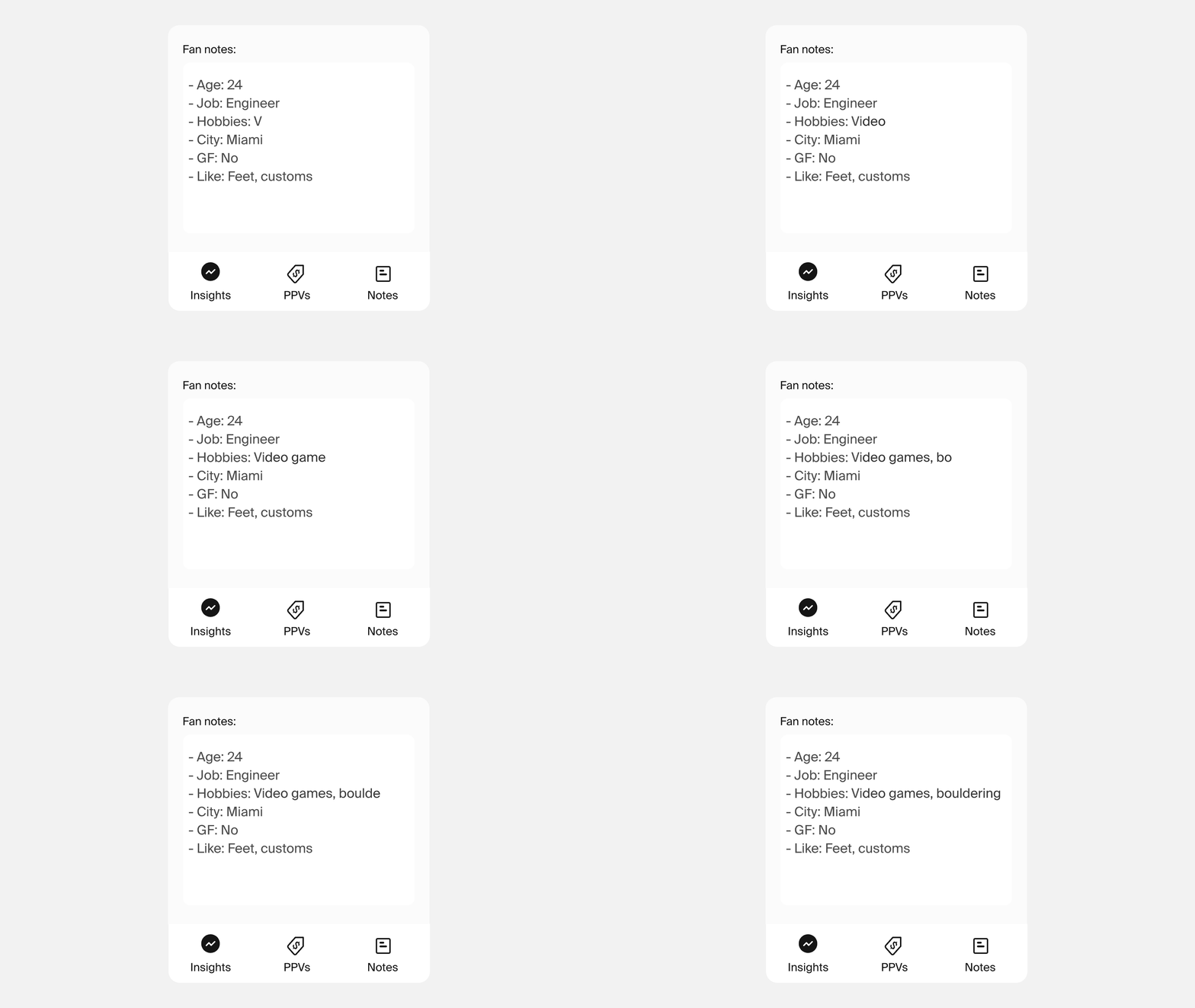
Employees can make subscribers feel special by keeping track of their likes, dislikes, hobbies and more. Plus, they can pin key messages to refer back to—all from the conversation window.
5. See how much they’re willing to spend

Your team can take the guesswork out of pricing PPVs by checking each subscriber’s purchase history. Plus, they can see the subscriber’s subscription status at a glance (including their highest purchase) from Spender Insights.
Next steps
Download the Infloww app and get started for free. In your first week, you’ll:
Bulk upload & tag content in Vault Pro
Message subscribers in Messages Pro
Send a mass message to subscribers’ priority inbox
Set up a message to expiring subscribers with a discount code