OnlyFans
Why you should watermark your OnlyFans content
Protect your work with one simple trick: watermarking your content on OnlyFans
Brunni C.

A watermark is a visible mark placed over your content that identifies you as its source. It will not stop determined piracy, but it makes stolen content traceable, deters casual reposting, and gives you evidence for a DMCA takedown. The tradeoff is visual: too heavy and it ruins the image, too subtle and it crops out. You put a ton of creativity into every post, building a brand that’s distinctly yours. It’s more than just content—it’s your livelihood, your personal expression, and a connection you’ve chosen to share with your fans. But, unfortunately, not everyone online respects that.
Stories of leaked videos, stolen images, and unauthorized screenshots are all too common. The impact goes beyond the loss of content—it’s personal, and it hurts. While OnlyFans does its best to protect Creators, there’s one simple, effective tool you can use to safeguard your work: watermarking.
In this guide, we’ll dive into why an OnlyFans watermark is crucial and how to do it effectively.
Why you need to watermark your OnlyFans content
Content theft is rampant online. Your hard work can be copied and shared without your permission and without you even realizing it has happened.
The most obvious negative impact is direct financial loss. Your subscribers are paying for exclusive content. But content theft and leaks can also be emotionally devastating. Seeing your intimate moments shared against your will is a violation of consent.
Beyond the personal impact, your reputation can also suffer. Content theft can damage your brand, making it harder to build trust with your audience.
So, how do you protect yourself? By adding a custom watermark.
What is a watermark and how does it work?
Think of a watermark as a digital fingerprint on your content. It’s a clear message to the world saying, "Hey, this is mine." It can take the form of text or an image which is embedded into your photo or video. It’s there to prove ownership and make it hard for someone to claim your content as their own.
It’s not foolproof, but it sends a strong message to those thinking about stealing your work.
And the best part? Adding a watermark is easy.
Designing your OnlyFans watermark
The easiest option is to use the default watermarking service that OnlyFans offers.
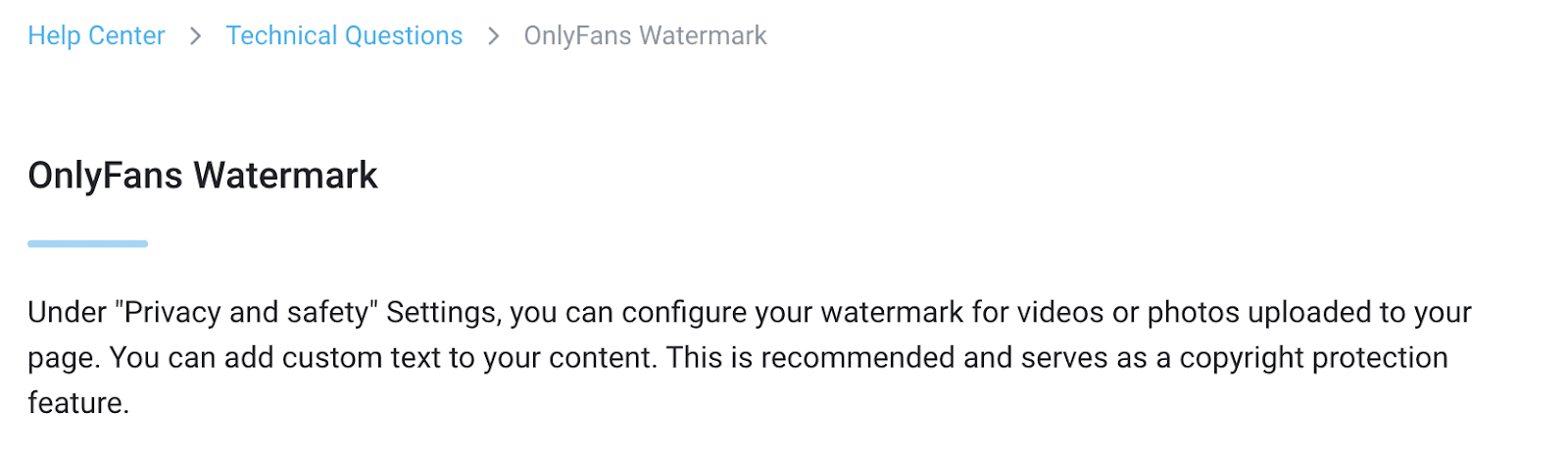
From the Community Guidelines on the official OnlyFans page
But we strongly encourage you to create your own watermark to make sure it adheres to your branding. The key is to find a watermark that is visible but doesn’t distract from or ruin the aesthetic of your content.
You can use plain text with your name, your logo, or even a transparent PNG overlay that’s barely noticeable. Most Creators add their name or their OnlyFans URL
Feel free to experiment, but once you've made up your mind, stick with it. Using the same watermark across all your content helps reinforce your brand and makes it easier for people to recognize your work.
Watermark placement
Where you place your watermark matters too. Avoid placing it where it can easily be cropped out, like on the edges of your photos or videos.
Pro tip: Design your watermark to follow the curves of your body so it complements the photo's composition and makes it nearly impossible to crop it out.
How to apply a watermark to your OnlyFans content
Now that you've designed your watermark, let's dive into the practical steps of applying it to your content.
Here are some of the tools you can use:
Mobile image editor: If you process your content on your phone, your smartphone’s built-in photo editor likely offers a watermarking feature.
Photo editing software: If you're already familiar with image processing software like Adobe Photoshop or GIMP, you can use these programs to add watermarks to your images.
Online tools: Many free and paid online tools offer easy watermarking. Try Watermarkly, IILoveIMG, or Canva.
Video editing software: For videos, you'll need to use video editing software like Adobe Premiere Pro or Final Cut Pro to add watermarks.
Getting started with watermarking
Watermarking your OnlyFans content is a simple yet powerful tool to protect your brand and maintain control of your content.
Agencies protecting content across a roster apply one watermark standard to every creator rather than leaving it to each, and Infloww, a CRM for OnlyFans agency owners that also supports solo creators, keeps content and brand assets together.